
Key Takeaways:
- Zero Trust is a security model based on constant verification.
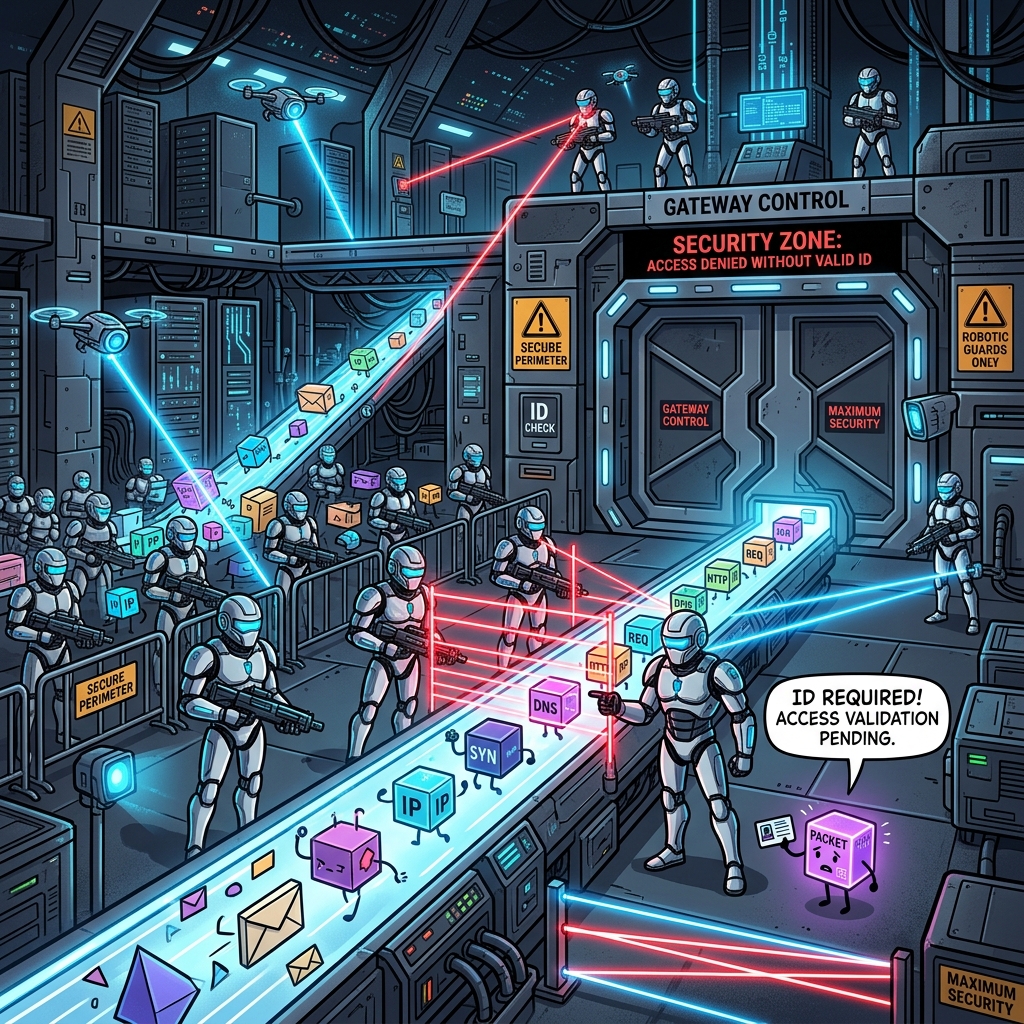
- It enforces strict isolation of every connected device (microsegmentation).
- Mature Zero Trust setups cut the blast radius of an attack by 85%.
Two years ago, when we were testing an old ISP router, we managed to jump from an infected smart vacuum directly to a network drive full of company data in under 5 minutes. That’s when we realized that “Zero Trust”, which has been dominating the corporate security world, desperately needs to reach our homes. Enterprise IT teams have been obsessed with it, but home routers completely ignored it. We decided that GADNET has to change this by introducing strict isolation zones.
The Hotel Analogy
Think of your home WiFi network like a massive hotel.
With a normal router, once a device types in the WiFi password, it walks through the front doors and instantly gets a master key. It can unlock any room in the entire building.
But with the Zero Trust architecture inside GADNET, things work differently. When a device connects, it gets a keycard that only opens its specific room. So if a hacker breaches your cheap smart fridge, they are stuck there. They cannot wander over to the room where your work laptop is sitting. And the stats back this up. Massive studies show that a mature Zero Trust setup cuts the blast radius of an attack by 85%. For big companies, that saves millions of dollars. For you, it saves your personal data.
Built-in Isolation Mechanisms in GADNET
So, how do we actually do this? GADNET handles microsegmentation using dynamic iptables rules and VLAN traffic tagging. We break your network into 6 pre-configured zones:
- Isolation Zone (192.168.10.0/24): Every single new device lands here first. The default rule drops all traffic. The device sits in a digital vacuum until you explicitly authorize it.
- Trusted Zone (192.168.20.0/24): This is the safe space for your laptops and phones. You get full internet access, but you can’t just poke around other devices.
- IoT Zone: This is the high-risk area. Smart bulbs and TVs live here, and they are hardware-blocked from talking to any other LAN zones.
- Guest Zone: Just a standard guest network, but heavily monitored.
- Admin Zone: This is where you access the GADNET panel, and it strictly requires a hardware key like a YubiKey.
- Custom Zone: Use this if you want to run a home lab or mess around with custom rules.
Real-time Intrusion Detection
GADNET doesn’t just rely on static firewall walls. We built an Anomaly Detection Module under the hood. It uses machine learning to actively watch for sketchy behavior.
If that smart printer in your IoT Zone suddenly starts spamming port scans at your Trusted Zone laptops, the system notices. GADNET immediately cranks up the device’s Threat Score. Once it crosses the limit, the system kicks the printer straight back into the Isolation Zone and pings your phone with an alert.
With GADNET, your network runs on one simple rule. Never trust, always verify.